Customize
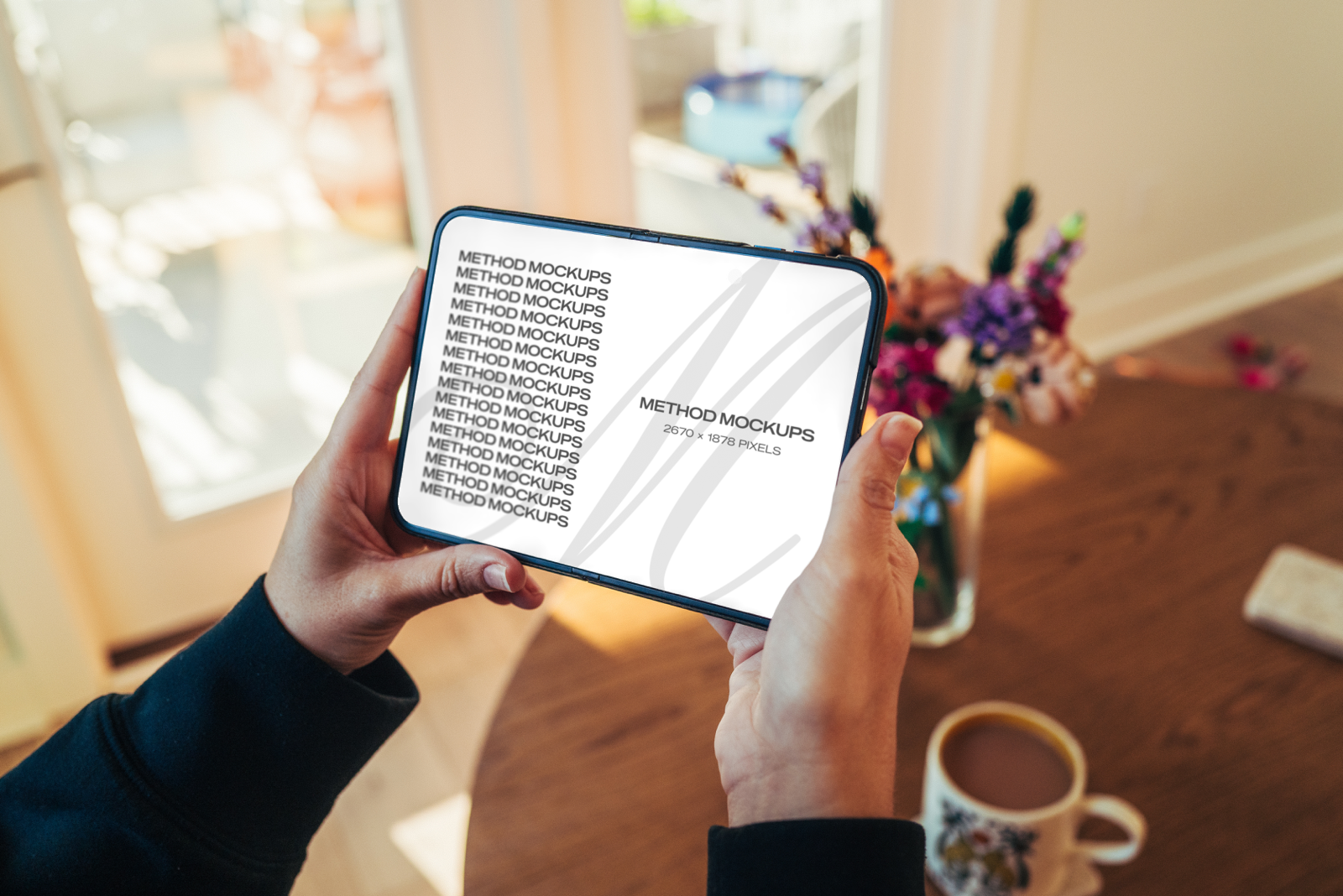
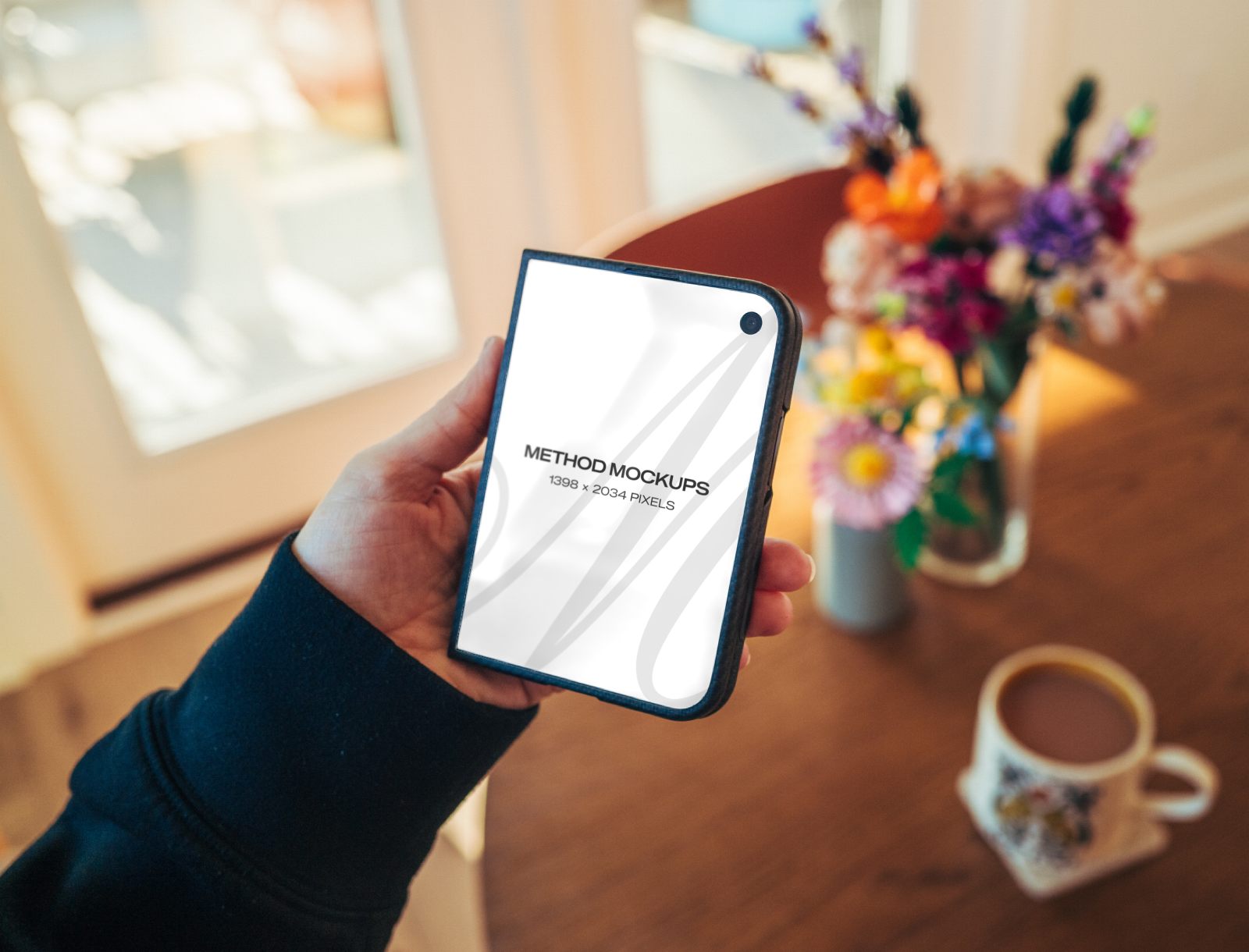
iPhone Duo in Hand Mockup, Angled Screen
1Your design
PNG, JPG or MP4 video
2PlacementFit
Shows the complete artwork without cropping — may reveal the photo around it.
3Color1 area
4Light & depthAutomatic
Already set to look natural for this photo. Adjust only if you want to.
Glare on top of your design.
Darkening in folds and curves.
Soft depth-of-field away from where the photo is focused. 0% keeps your design sharp everywhere.
Free exports include a watermark and are capped at web resolution. Upgrade for clean, full-res/print downloads.
About this mockup
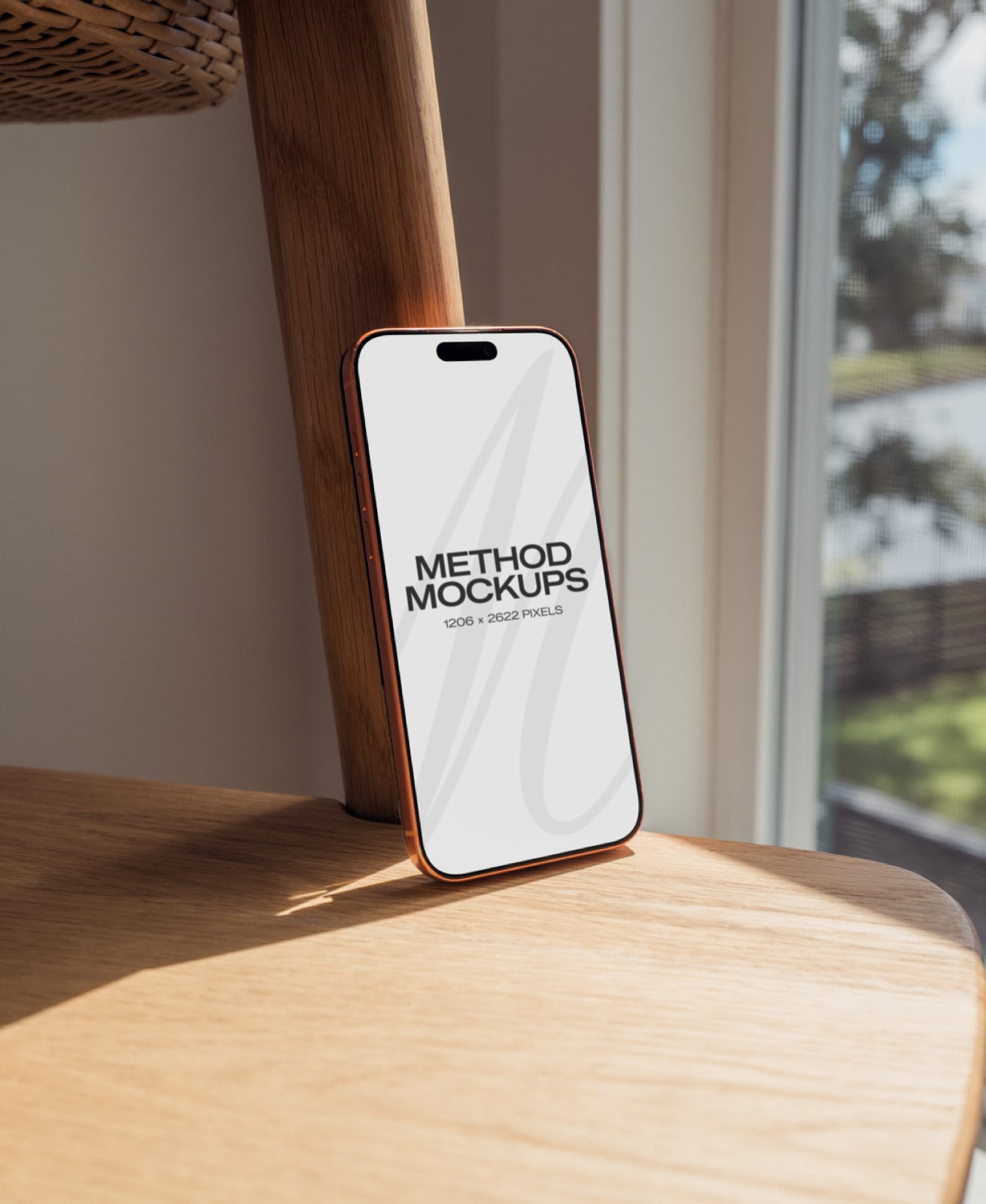
A real photo of a phone held in both hands, the screen tipped toward the camera and softening off to one side. Made for app designers and Etsy sellers who want to show a screen, wallpaper or social post in a natural, lived-in setting without a photo shoot.
What you can customize
- Your own screen design — an app, website or wallpaper
- Phone screen color
- Artwork size and rotation
- Fit, Fill or Stretch placement
- Highlights and shadows, to match the light in the photo
- Depth-of-field blur that follows the photo's focus
Who it’s for
App developers, product designers and marketers who want a screen design shown in a real, in-use moment rather than a floating device render.
Frequently asked
What can I change on this mockup?+
You can adjust the artwork's size, rotation and placement, change the phone screen color, and set the highlights and shadows so your design matches the light in the photo, including a depth-of-field blur.
What file should I upload?+
A PNG or JPG of your screen design, at the screen's native resolution or larger. Choose Fit, Fill or Stretch to set how it sits on the screen.
Do I need Photoshop or an account?+
No. Everything runs in your browser, and every mockup works without an account. Sign up only when you want clean, full-resolution downloads.
What resolution can I export?+
Export as PNG or JPG. Free exports are watermarked and capped at about 1600px; a subscription unlocks clean, full-resolution, print-ready downloads.