Customize
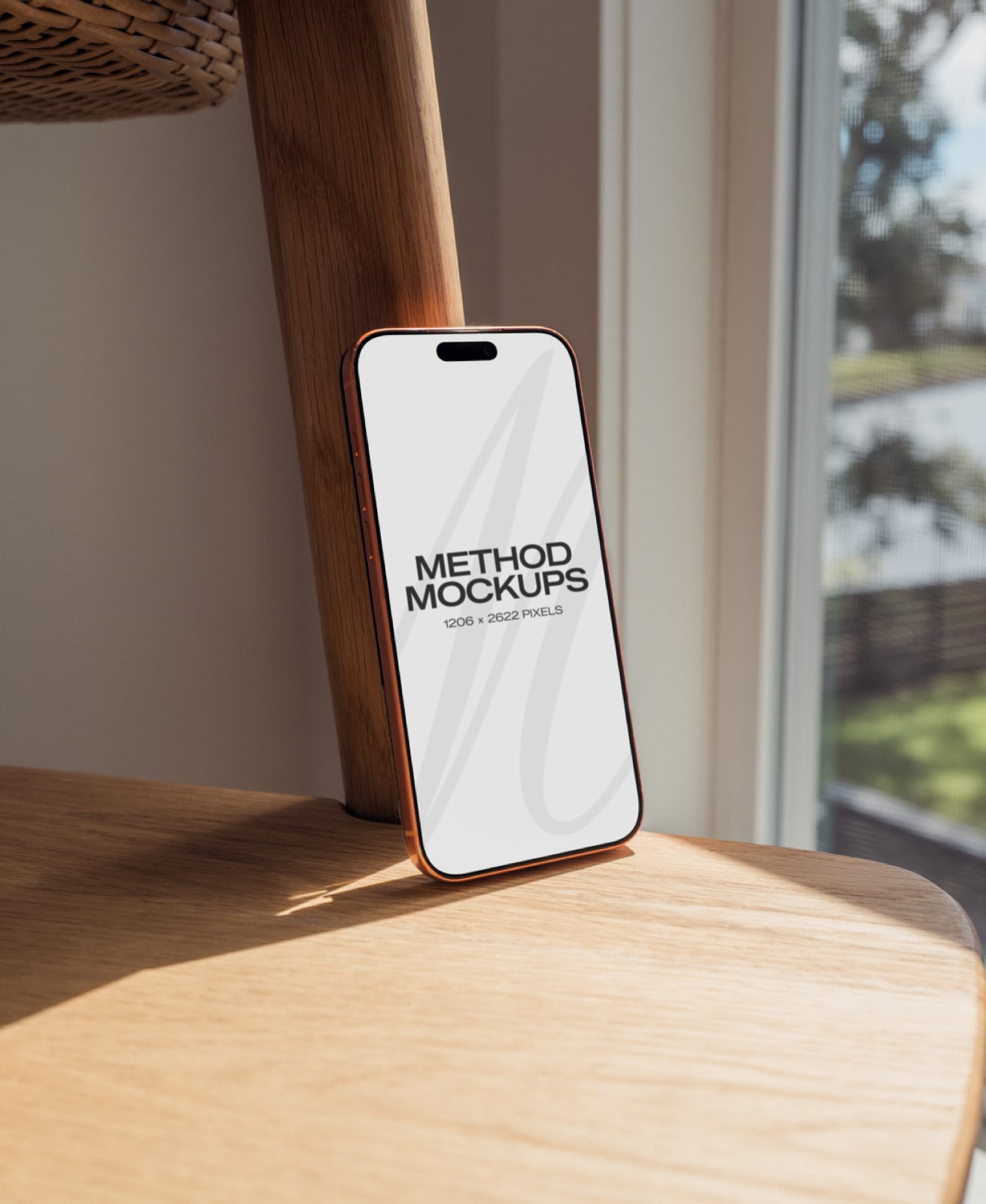
iPhone 17 Pro Max Mockup on Oak Stand
1Your design
PNG, JPG or MP4 video
2PlacementFit
Shows the complete artwork without cropping — may reveal the photo around it.
3Color1 area
4Light & depthAutomatic
Already set to look natural for this photo. Adjust only if you want to.
Glare on top of your design.
Darkening in folds and curves.
Soft depth-of-field away from where the photo is focused. 0% keeps your design sharp everywhere.
Free exports include a watermark and are capped at web resolution. Upgrade for clean, full-res/print downloads.
About this mockup
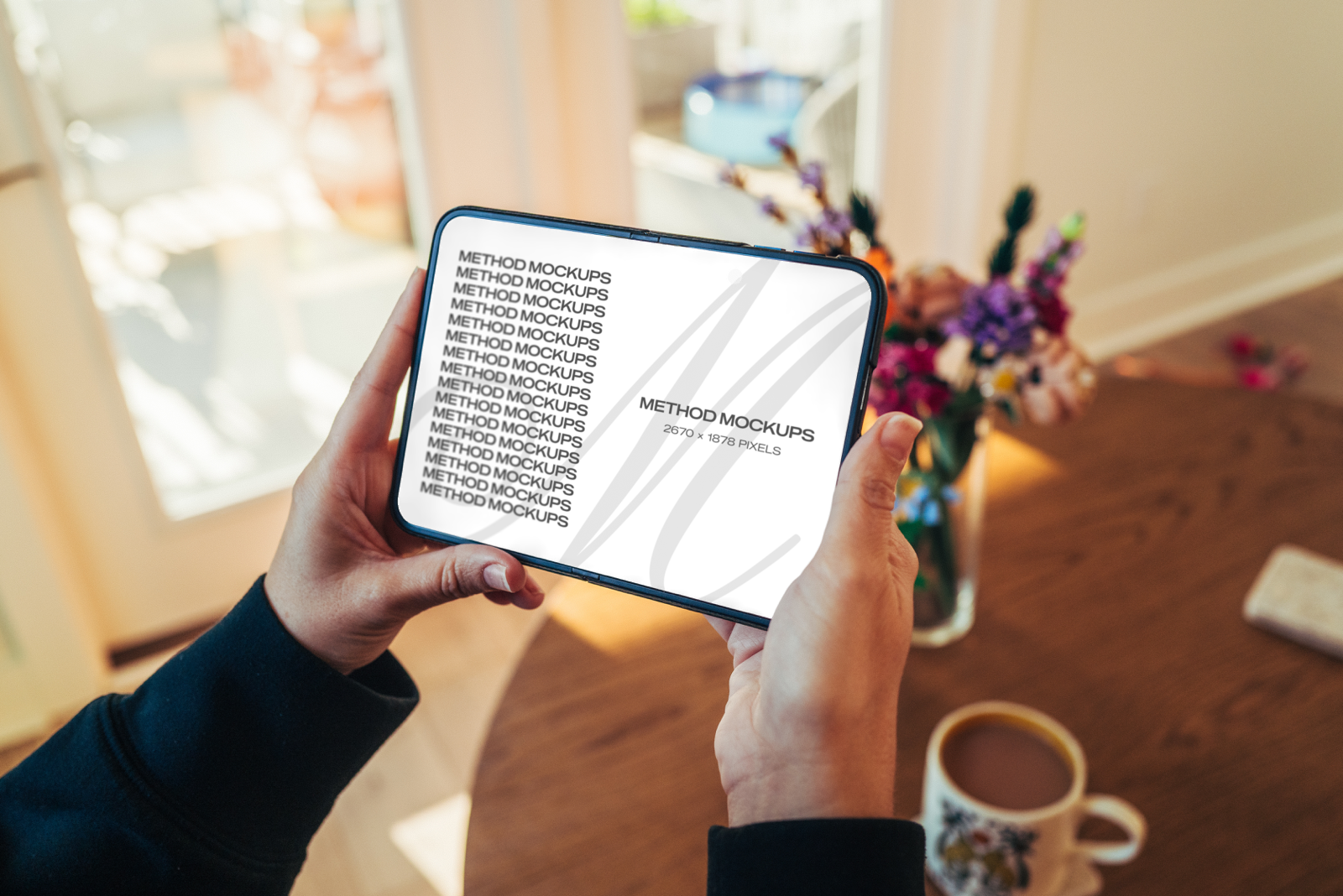
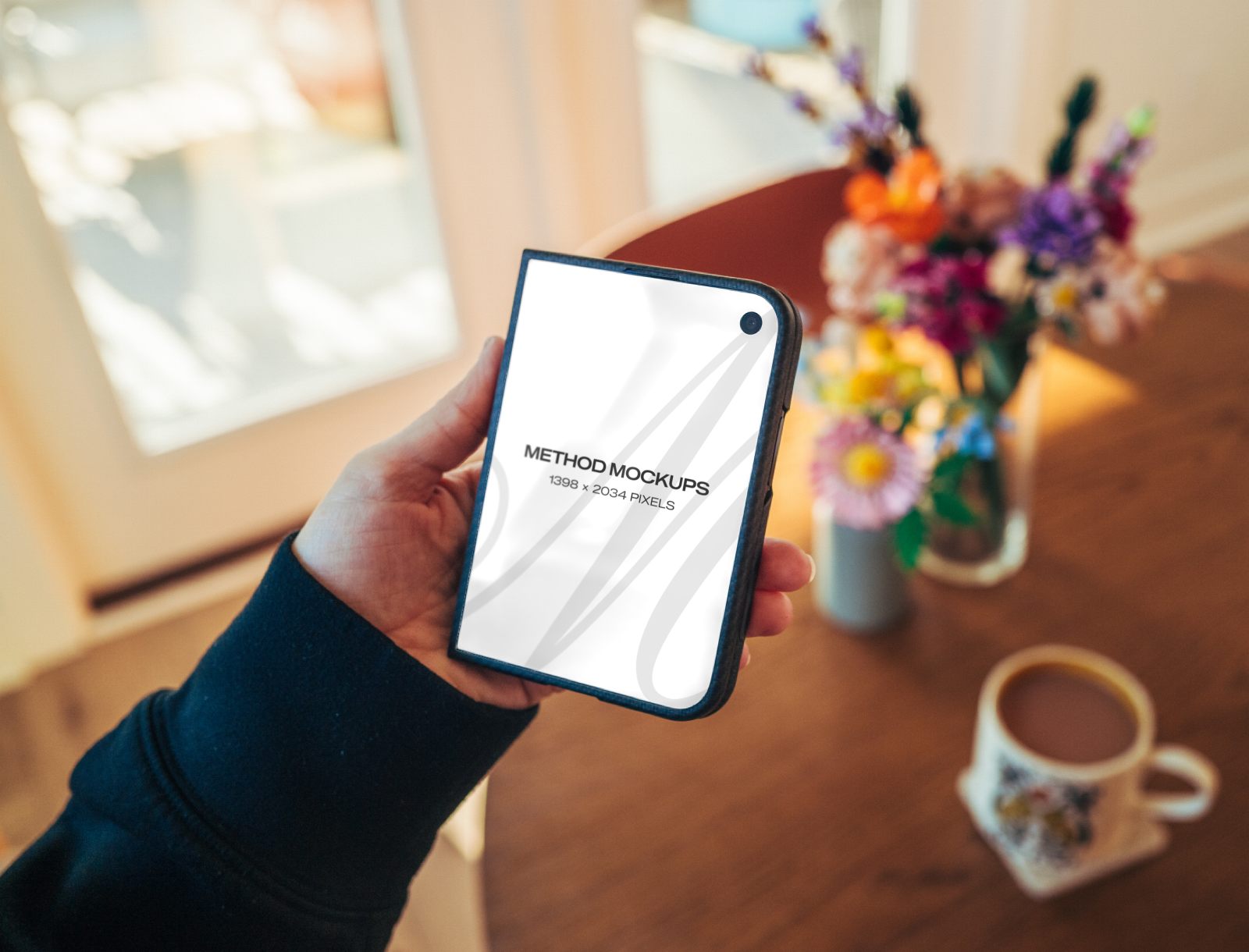
An orange iPhone 17 Pro Max leans against a smooth oak post on a wooden seat, with warm sun streaming through a window and casting a long, soft shadow across the grain. A woven basket and a blurred garden outside give the scene a calm, lived-in feel. The edge of the orange frame glows in the sunlight, and the screen is large and clear for your design. Drop in an app screen, a lock screen, a notification or a social post and see it on the newest iPhone in a bright, natural setting.
Use it for app store screenshots, lock screen reveals, notification designs and social posts. The orange frame and warm light go well with cream, terracotta and other warm palettes, while a cool blue or dark interface gives a stronger contrast. The phone is upright, so vertical designs fit without cropping.
What you can customize
- Your own screen design — an app, website or wallpaper
- Phone screen color
- Artwork size and rotation
- Fit, Fill or Stretch placement
- Highlights and shadows, to match the light in the photo
- Depth-of-field blur that follows the photo's focus
Who it’s for
App developers, product designers and marketers who want a screen design shown in a real, in-use moment rather than a floating device render.
Frequently asked
What can I change on this mockup?+
You can adjust the artwork's size, rotation and placement, change the phone screen color, and set the highlights and shadows so your design matches the light in the photo, including a depth-of-field blur.
What file should I upload?+
A PNG or JPG of your screen design, at the screen's native resolution or larger. Choose Fit, Fill or Stretch to set how it sits on the screen.
Do I need Photoshop or an account?+
No. Everything runs in your browser, and every mockup works without an account. Sign up only when you want clean, full-resolution downloads.
What resolution can I export?+
Export as PNG or JPG. Free exports are watermarked and capped at about 1600px; a subscription unlocks clean, full-resolution, print-ready downloads.