Customize
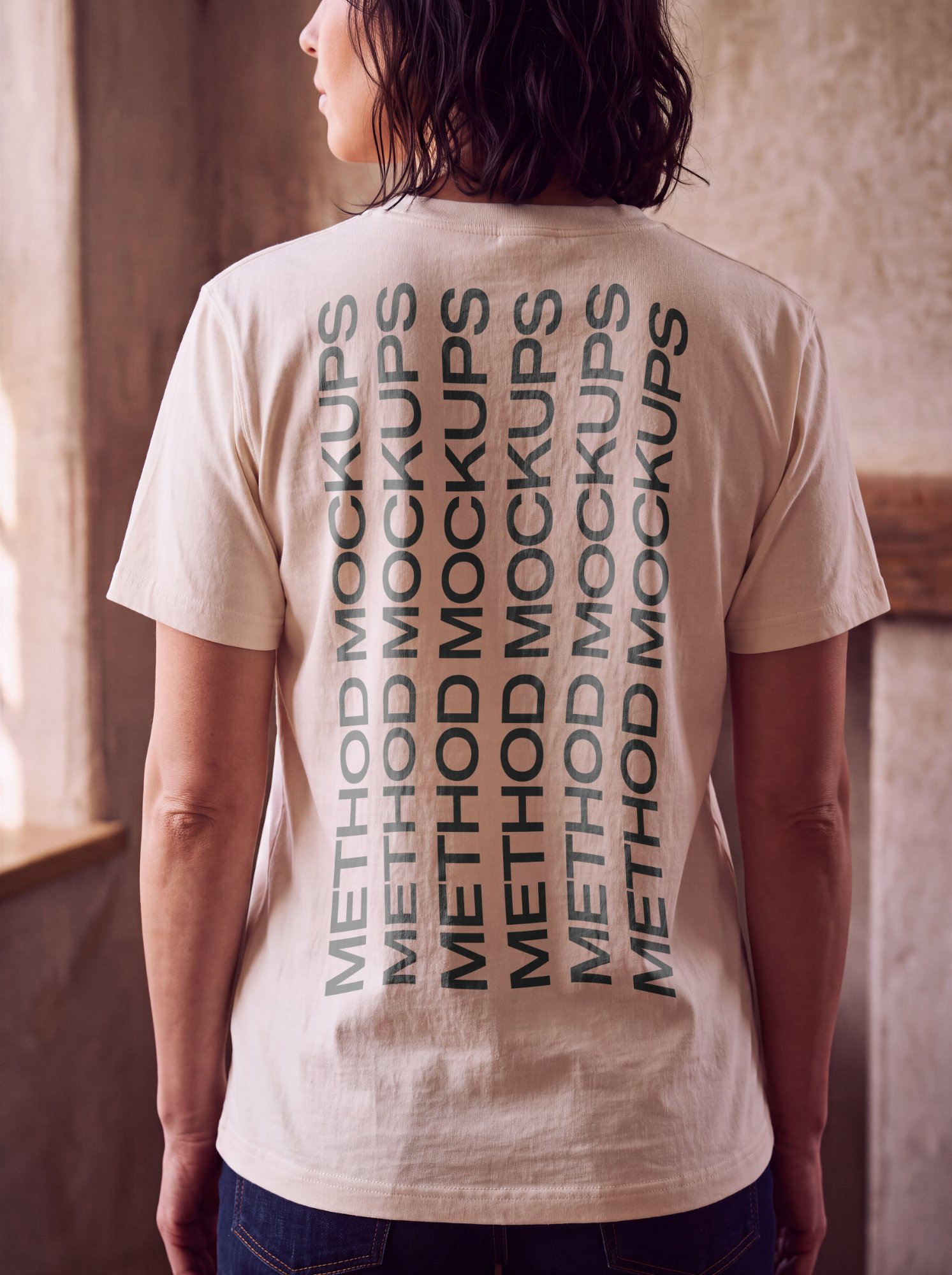
T-Shirt Mockup — Worn on Model
Upload a design to get started.
Customize
T-Shirt — Worn on Model
PNG or JPG
Placement options
+
Shows the complete artwork without cropping — may reveal the photo around it.
Highlights & shadows
+
Control how the photo’s light shows through your artwork.
Glare on top of your design.
Darkening in folds/curves.
Export
Free exports include a watermark and are capped at web resolution. Upgrade for clean, full-res/print downloads.
About this mockup
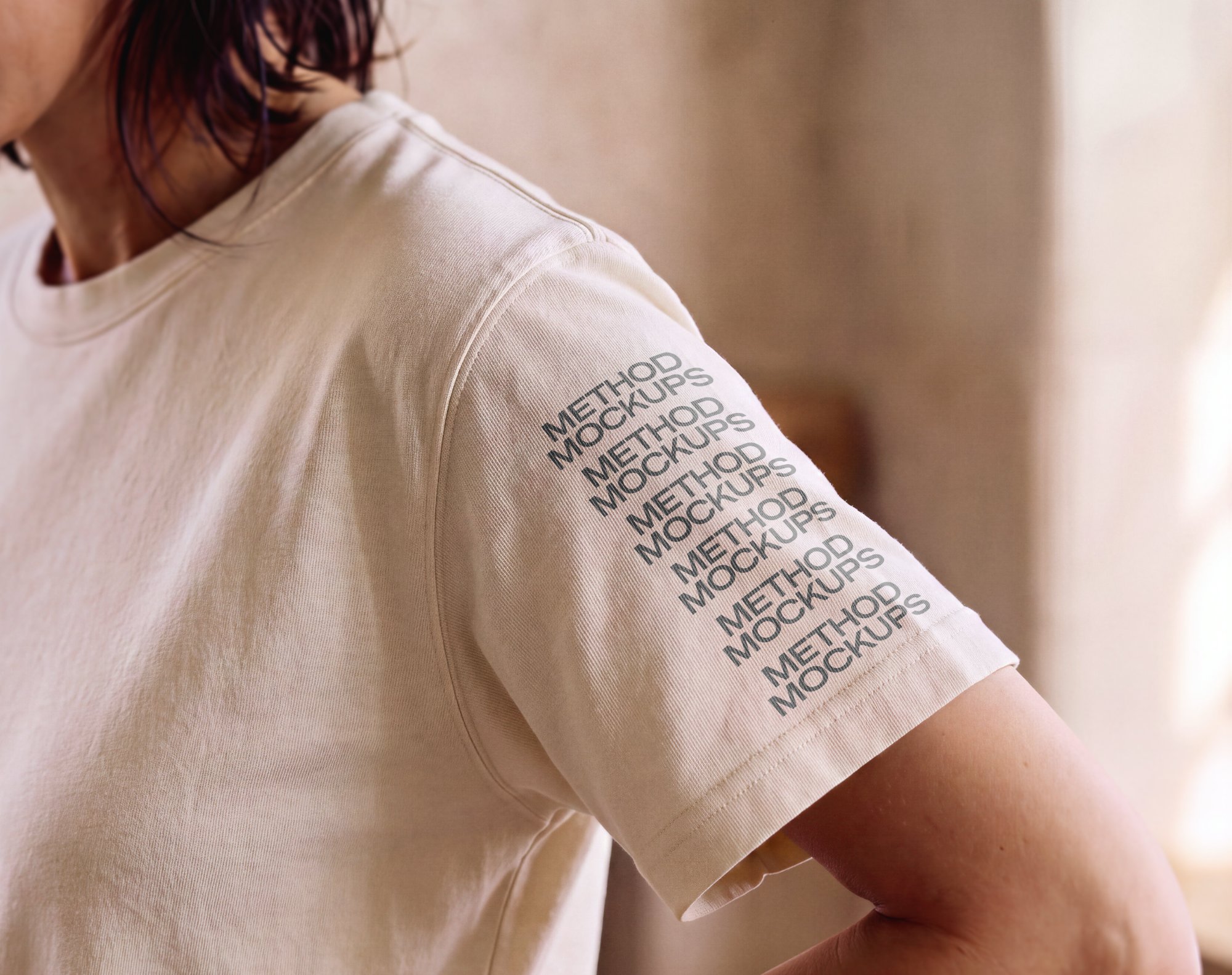
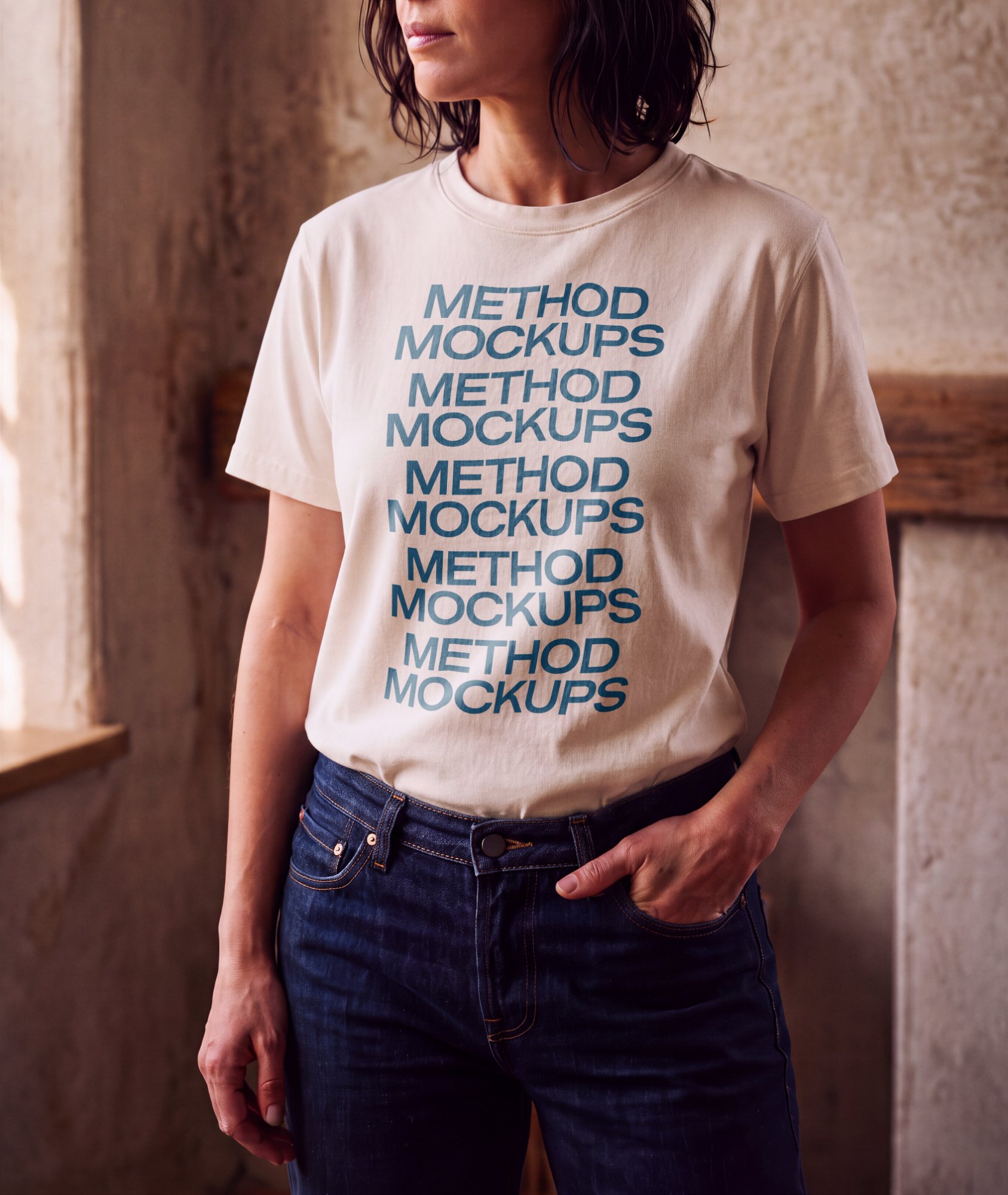
A crewneck t-shirt mockup worn by a model against a warm, sunlit plaster wall — perfect for showing off apparel designs in a natural, editorial setting rather than a flat product shot.
What you can customize
- Your own artwork — a logo, label, print or pattern
- Shirt color
- Artwork size and rotation
- Fit, Fill or Stretch placement
- Highlights and shadows, to match the light in the photo
- Automatic white-background removal for logos saved on white
Who it’s for
Clothing brands, merch sellers and print-on-demand shops who want to see a graphic on a real shirt before printing a single one.
Frequently asked
What can I change on this mockup?+
You can adjust the artwork's size, rotation and placement, change the shirt color, and set the highlights and shadows so your design matches the light in the photo.
What file should I upload?+
A PNG or JPG. A logo with a transparent background works best, and a logo on a plain white background works too — the white can be removed automatically.
Do I need Photoshop or an account?+
No. Everything runs in your browser, and every mockup works without an account. Sign up only when you want clean, full-resolution downloads.
What resolution can I export?+
Export as PNG or JPG. Free exports are watermarked and capped at about 1600px; a subscription unlocks clean, full-resolution, print-ready downloads.