Customize
Crewneck Sweatshirt Mockup — Chest Detail
Upload a design to get started.
Customize
Men's Crewneck Sweatshirt — Chest Detail
PNG or JPG
Placement options
+
Shows the complete artwork without cropping — may reveal the photo around it.
Highlights & shadows
+
Control how the photo’s light shows through your artwork.
Glare on top of your design.
Darkening in folds/curves.
Depth-of-field softening away from where the photo is actually focused. 0% keeps your design sharp everywhere.
Export
Free exports include a watermark and are capped at web resolution. Upgrade for clean, full-res/print downloads.
About this mockup
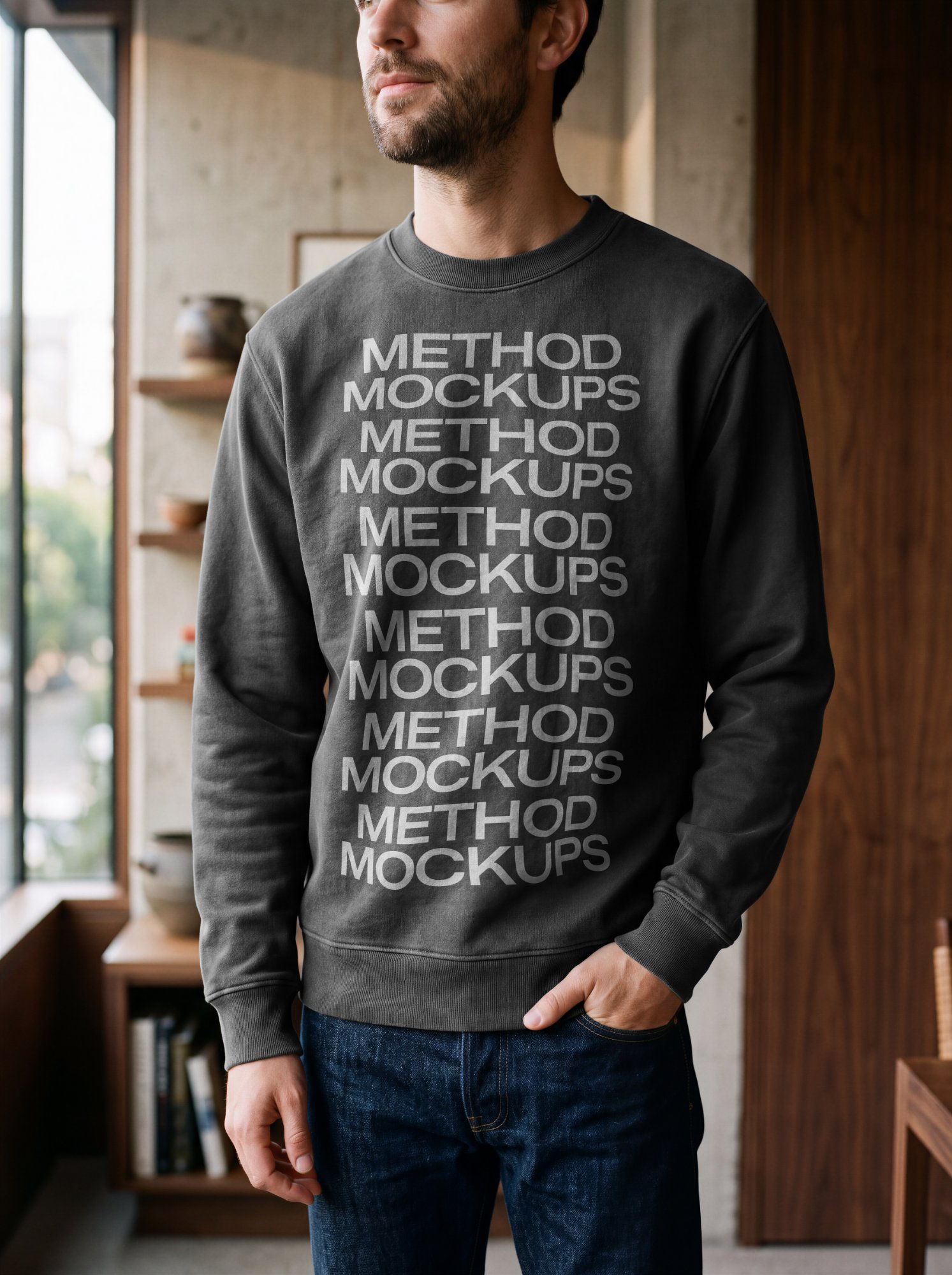
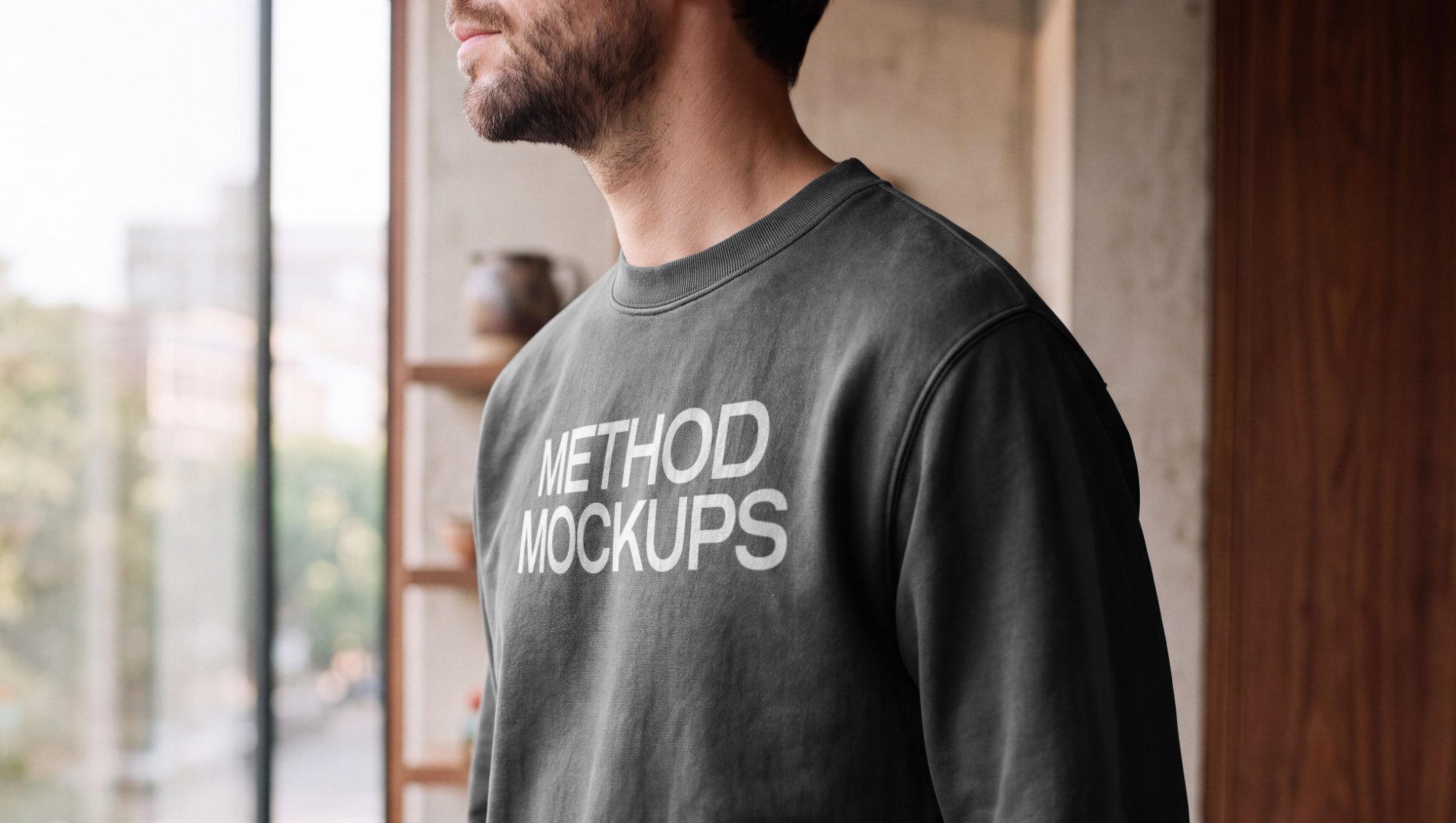
A close-up crewneck sweatshirt mockup worn by a model by a window, soft daylight catching the fabric texture — perfect for showing off design detail with a natural, editorial feel.
What you can customize
- Your own artwork — a logo, label, print or pattern
- Sweatshirt color
- Artwork size and rotation
- Fit, Fill or Stretch placement
- Highlights and shadows, to match the light in the photo
- Depth-of-field blur that follows the photo's focus
- Automatic white-background removal for logos saved on white
Who it’s for
Clothing brands and merch designers showing chest prints and logos on a real sweatshirt.
Frequently asked
What can I change on this mockup?+
You can adjust the artwork's size, rotation and placement, change the sweatshirt color, and set the highlights and shadows so your design matches the light in the photo, including a depth-of-field blur.
What file should I upload?+
A PNG or JPG. A logo with a transparent background works best, and a logo on a plain white background works too — the white can be removed automatically.
Do I need Photoshop or an account?+
No. Everything runs in your browser, and every mockup works without an account. Sign up only when you want clean, full-resolution downloads.
What resolution can I export?+
Export as PNG or JPG. Free exports are watermarked and capped at about 1600px; a subscription unlocks clean, full-resolution, print-ready downloads.