Customize
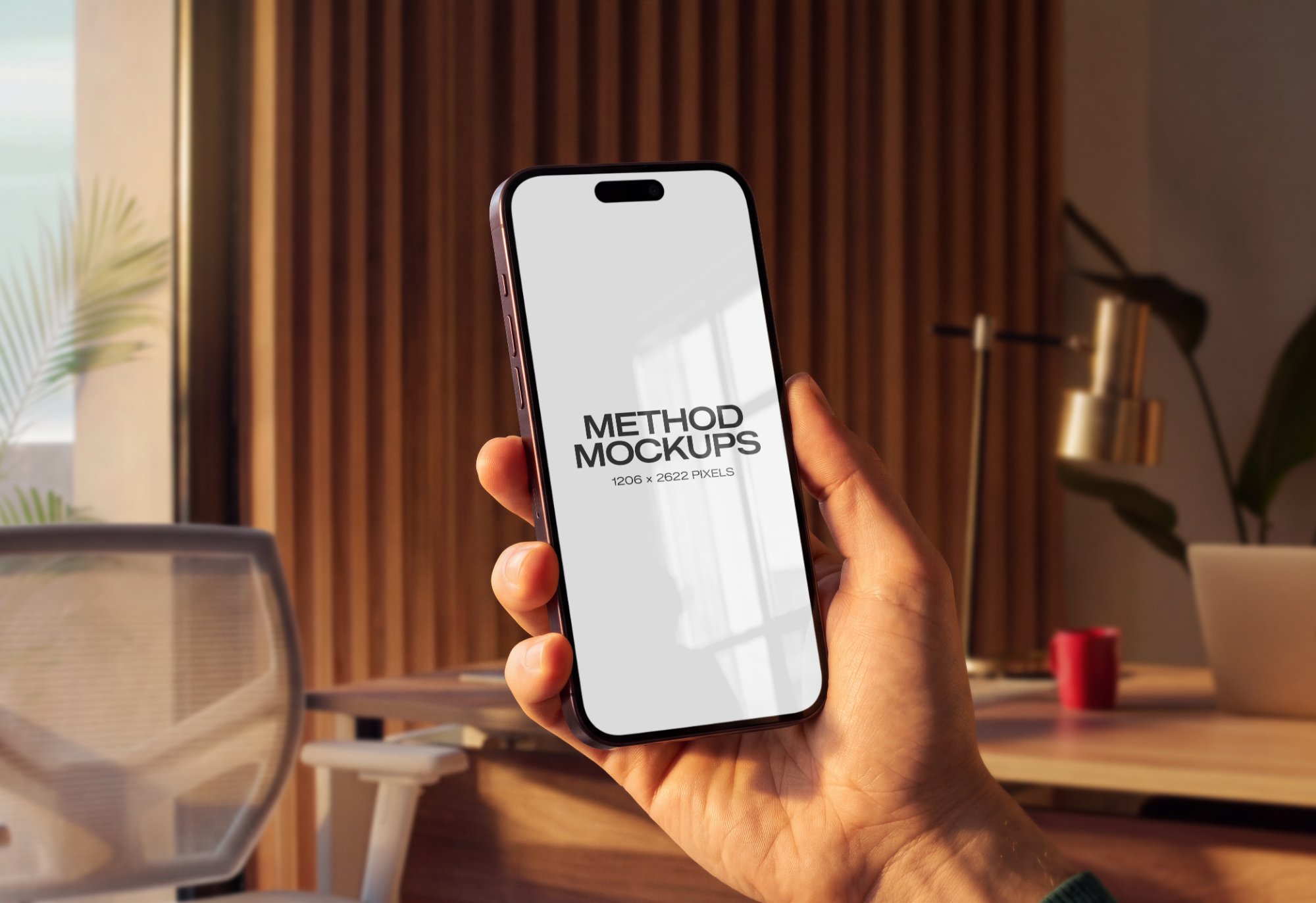
iPhone 18 Pro Mockup — Modern Office
Upload a design to get started.
Customize
iPhone 18 Pro Modern Office
PNG, JPG or MP4 video
Placement options
+
Shows the complete artwork without cropping — may reveal the photo around it.
Highlights & shadows
+
Control how the photo’s light shows through your artwork.
Glare on top of your design.
Darkening in folds/curves.
Export
Free exports include a watermark and are capped at web resolution. Upgrade for clean, full-res/print downloads.
About this mockup
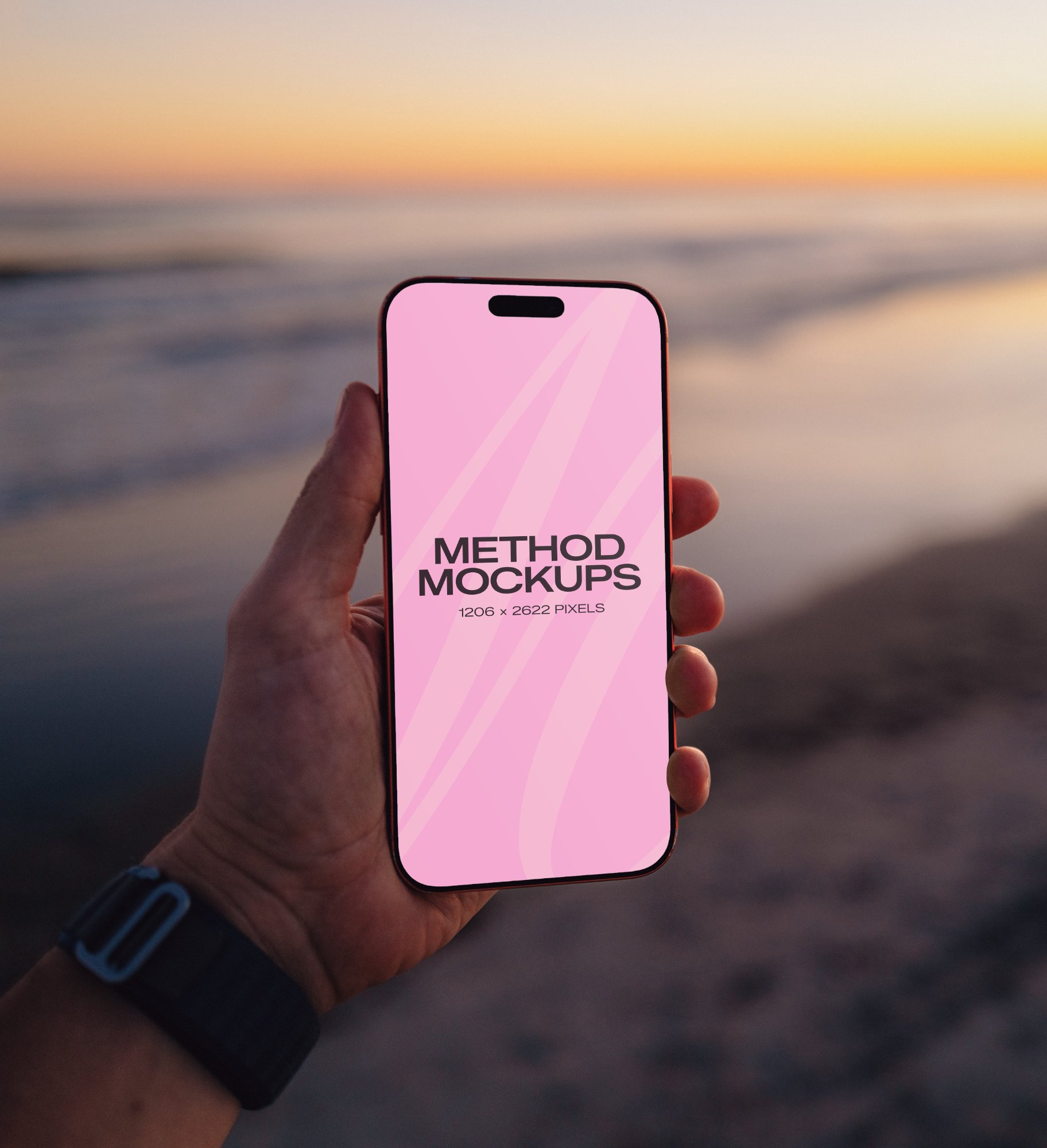
An iPhone 18 Pro held in hand in a modern office, warm window light raking across wood slat walls, a brass desk lamp and red mug softly blurred behind. Drop in an app screen or a wallpaper, or just set a screen color. Built for app launches and screen designs that want a real in-use moment instead of a floating device render.
What you can customize
- Your own screen design — an app, website or wallpaper
- Phone screen color
- Artwork size and rotation
- Fit, Fill or Stretch placement
- Highlights and shadows, to match the light in the photo
Who it’s for
App developers, product designers and marketers who want a screen design shown in a real, in-use moment rather than a floating device render.
Frequently asked
What can I change on this mockup?+
You can adjust the artwork's size, rotation and placement, change the phone screen color, and set the highlights and shadows so your design matches the light in the photo.
What file should I upload?+
A PNG or JPG of your screen design, at the screen's native resolution or larger. Choose Fit, Fill or Stretch to set how it sits on the screen.
Do I need Photoshop or an account?+
No. Everything runs in your browser, and every mockup works without an account. Sign up only when you want clean, full-resolution downloads.
What resolution can I export?+
Export as PNG or JPG. Free exports are watermarked and capped at about 1600px; a subscription unlocks clean, full-resolution, print-ready downloads.