Customize
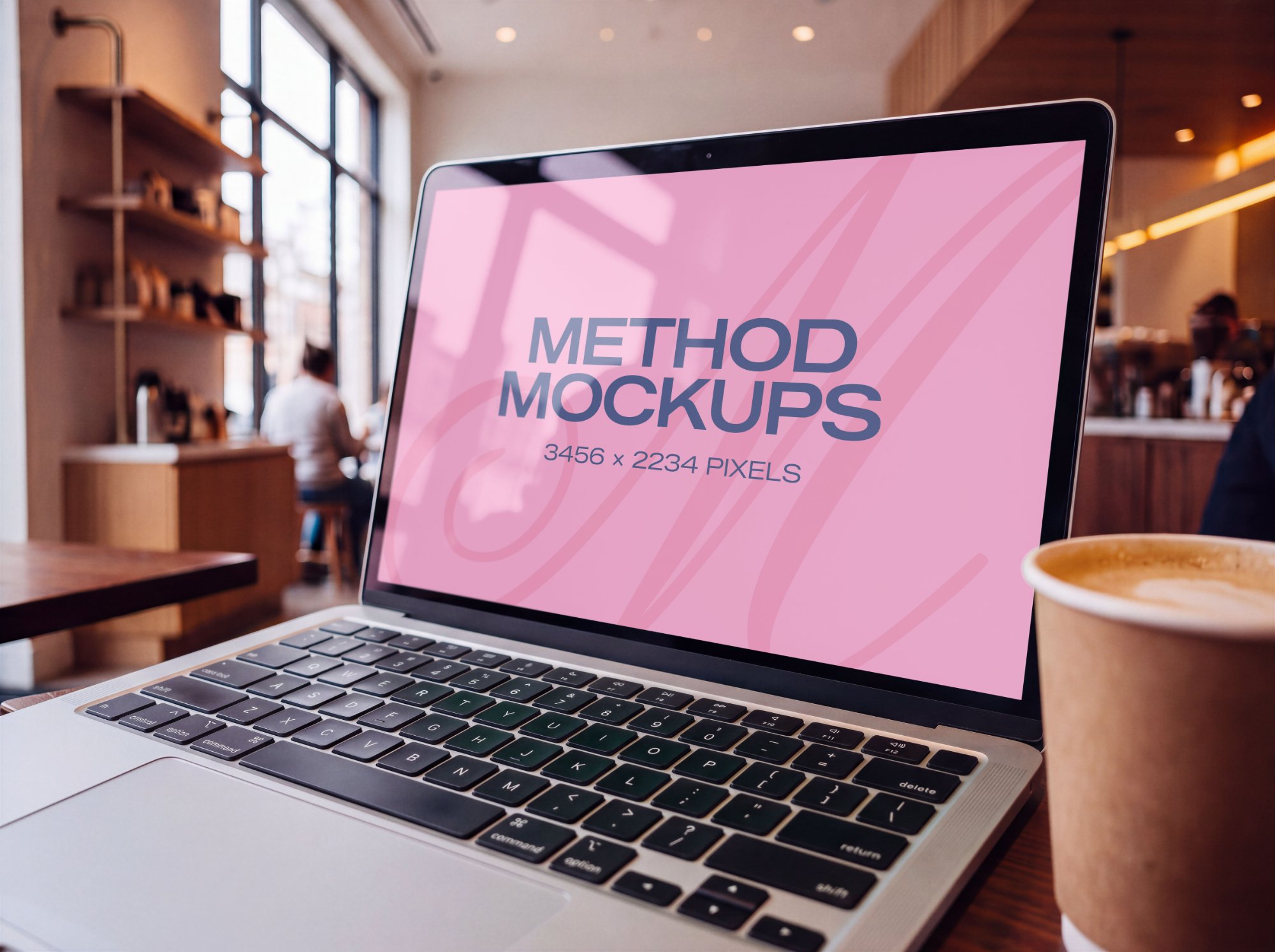
Coffee Shop Laptop Mockup — Close Angle
1Your design
PNG, JPG or MP4 video
2PlacementFit
Shows the complete artwork without cropping — may reveal the photo around it.
3Color1 area
More options
Flat color at 0%, folds and texture from the photo at 100%.
4Light & depthAutomatic
Already set to look natural for this photo. Adjust only if you want to.
Glare on top of your design.
Darkening in folds and curves.
Soft depth-of-field away from where the photo is focused. 0% keeps your design sharp everywhere.
Free exports include a watermark and are capped at web resolution. Upgrade for clean, full-res/print downloads.
About this mockup
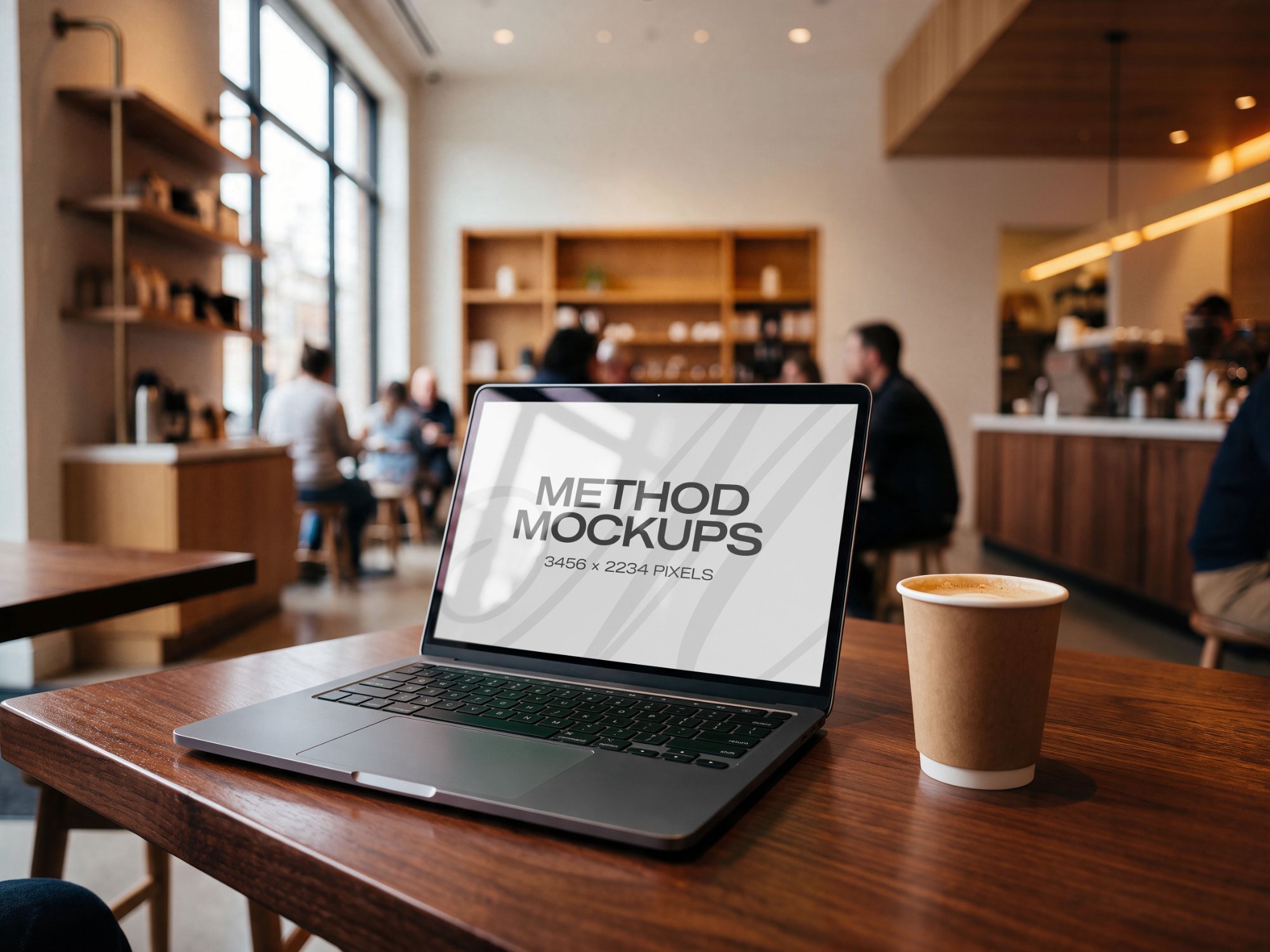
A low, close view of an open silver laptop in a bright coffee shop. The screen fills most of the frame with the keyboard in the foreground, a kraft paper cup at the edge, and tall windows and a wooden shelf behind. Window light reflects softly across the screen, and customers are blurred in the background.
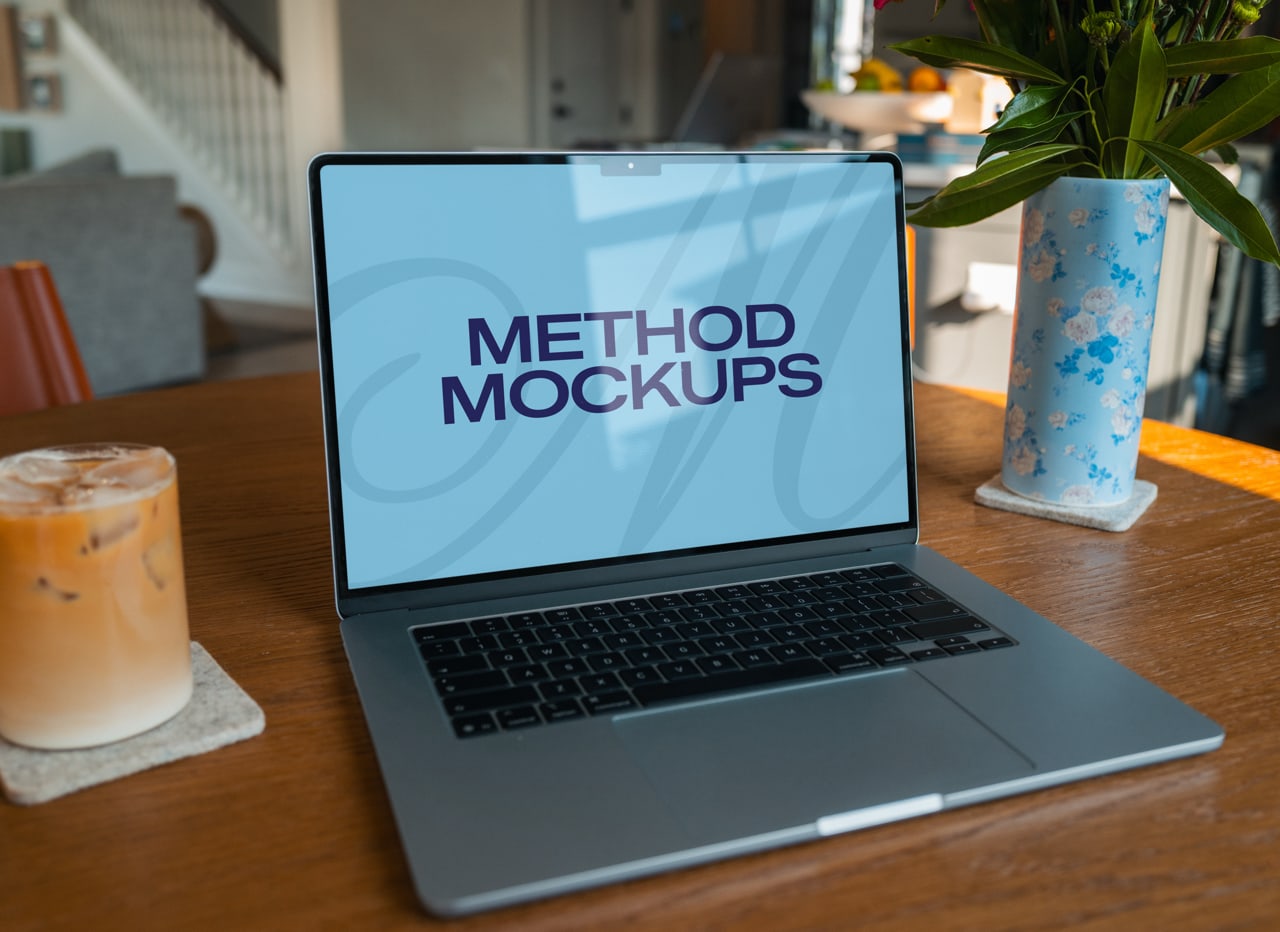
Use it for website designs, landing pages, dashboards and portfolio pieces where the screen needs to be read in detail. Because the screen takes up so much of the frame, it is the best of the three laptop mockups for fine interface work and small text. For more of the room, use the wider coffee shop laptop mockup.
What you can customize
- Your own screen design — an app, website or wallpaper
- Screen background color
- Artwork size and rotation
- Fit, Fill or Stretch placement
- Highlights and shadows, to match the light in the photo
- Depth-of-field blur that follows the photo's focus
Who it’s for
Web designers, SaaS teams and freelancers presenting a site, dashboard or app in a natural workspace.
Frequently asked
What can I change on this mockup?+
You can adjust the artwork's size, rotation and placement, change the screen background color, and set the highlights and shadows so your design matches the light in the photo, including a depth-of-field blur.
What file should I upload?+
A PNG or JPG of your screen design, at the screen's native resolution or larger. Choose Fit, Fill or Stretch to set how it sits on the screen.
Do I need Photoshop or an account?+
No. Everything runs in your browser, and every mockup works without an account. Sign up only when you want clean, full-resolution downloads.
What resolution can I export?+
Export as PNG or JPG. Free exports are watermarked and capped at about 1600px; a subscription unlocks clean, full-resolution, print-ready downloads.